In today’s fast-paced world, effective time management has become a crucial skill. Every day we face information overload, deadlines, multitasking, and the need to quickly switch between roles — from work responsibilities to personal matters. Simply wanting to be disciplined is often not enough: without a systematic approach, chaos takes over and important tasks remain unfinished. That’s where time-management tools come into play. They not only help structure the day but also reduce stress, prevent procrastination, and create a balance between professional and personal priorities. Below, we’ll look at the main types of such tools that can be adapted to any style of work or study.
Time management
Key Tools for Effective Time Management
272 views
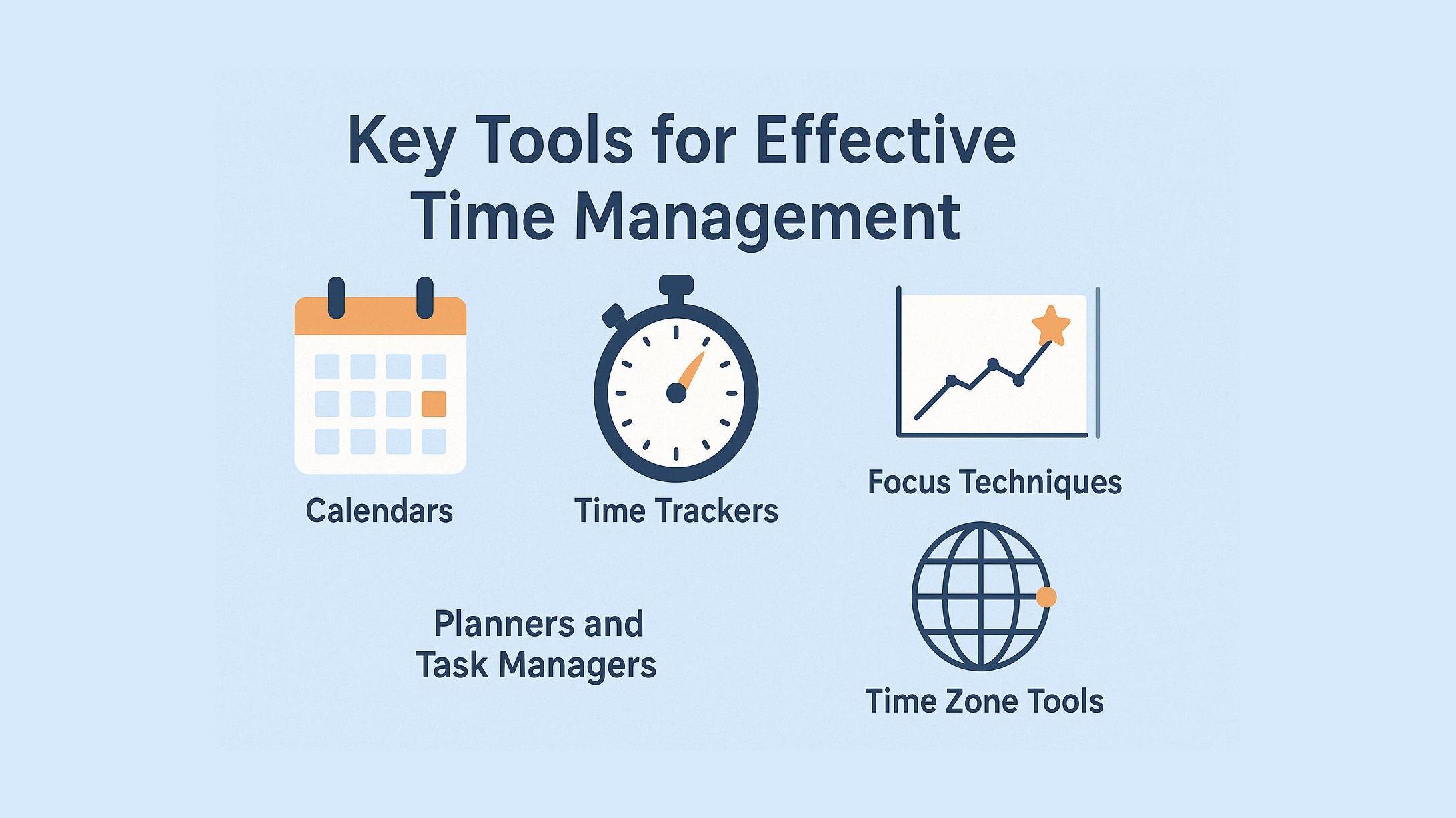
Learn about the most effective tools for managing your time — from calendars and planners to trackers, timers, and team solutions. These practical methods help you stay organized, reduce stress, avoid procrastination, and balance professional and personal priorities.
1. Calendars: Planning and Visualizing Time
Calendars are a classic but highly effective tool for time management. They allow you to visually structure your day, week, or month, giving you a clear picture at all times. You can log important events, meetings, deadlines, and even small but meaningful tasks into a calendar. This helps prevent overlaps and forgotten responsibilities. Many modern calendars offer handy features: reminders, recurring events, priority markers, and synchronization across devices. They can be used for both personal tasks and team collaboration, where aligning schedules is key. A calendar is a simple yet universal way to plan, visualize your workload, and maintain control over your time.
What they do:
Structure the day, week, or month.
Provide visibility into upcoming events, deadlines, and meetings.
Useful for both personal and team planning.
Offer features like reminders, repeats, and priority tagging.
Who they’re for:
Students, professionals, and managers who want a clear overview of their workload.
2. Time Trackers: Analyzing Where Your Time Goes
Time trackers make invisible time patterns visible. They record how many hours or minutes you spend on specific tasks, projects, or activities. Often, analysis is what reveals how much time is lost to social media, unnecessary meetings, or routine chores — and where to reclaim it for truly important work. Some trackers are manual — the user starts a timer for each task. Others work automatically, recording activity in the background. They are especially useful for generating detailed reports and productivity analyses. For freelancers or professionals with hourly rates, trackers ensure transparency with clients. For others, they provide self-reflection, helping identify “time traps” and change habits.
What they do:
Track time spent on tasks, projects, or activities.
Reveal “time wasters” and inefficient habits.
Work manually or automatically in the background.
Used for reporting and productivity analysis.
Who they’re for:
Freelancers, hourly-paid specialists, and anyone seeking self-analysis.
3. Planners and Task Managers: Structure and Priorities
Planners and task managers are modern tools for keeping all tasks under control. Their key advantage is the ability to structure tasks, set priorities, and view the entire to-do list in one place. These systems let you create task lists, break large tasks into subtasks, add deadlines and reminders. Some tools allow grouping tasks by projects or categories — especially handy for people juggling multiple directions at once. Planners prevent chaos, where important tasks get buried under minor details. They’re equally valuable for students and business professionals, serving as a “command center” for clarity and organization.
What they do:
Allow task lists, deadlines, and priorities.
Some systems group tasks by project or category.
Promote a systematic approach to task execution.
Integrate with calendars and reminders.
Who they’re for:
Ideal for people with many tasks who want to avoid chaos.
4. Timers and Focus Techniques: Concentration Over Multitasking
In today’s world, we often try to multitask, but this leads to a loss of concentration. Timers and focus techniques are designed to fight multitasking and procrastination. The most famous method is working in short sessions (e.g., 25 minutes) with mandatory breaks. This maintains high concentration and prevents burnout. Timers help develop time awareness, track progress, and train the ability to focus on a single task. Some tools add gamification elements — rewards, levels, or visuals — that make the process more engaging. These are especially helpful for easily distracted people, turning work into a structured “game” with tangible outcomes.
What they do:
Enable focused work sessions with breaks.
Boost concentration and reduce procrastination.
Often use gamification for motivation.
Who they’re for:
Especially useful for those who are easily distracted or handle large volumes of information.
5. Team Time-Management Tools: Synchronization and Transparency
When a team works on a project, coordinating actions is essential. Team time-management tools make it clear who is responsible for what, which deadlines are set, and what progress has been made. Often, these solutions combine calendars, task managers, and time trackers into a single collaboration hub. This makes teamwork transparent and understandable for everyone. Another benefit is geographic flexibility: remote workers stay aligned with office-based colleagues. Such tools reduce unnecessary meetings, improve efficiency, and allow managers to oversee the big picture without excessive bureaucracy.
What they do:
Coordinate team actions: who is doing what and by when.
Combine calendars, task managers, and time trackers.
Provide real-time progress transparency.
Enable collaboration regardless of location.
Who they’re for:
Project managers, remote teams, and globally operating companies.
6. Time Zone Conversion Tools: Global Synchronization
In remote work and international business, time differences can become a serious challenge. Time zone conversion tools are designed to quickly and easily compare times across countries. They eliminate confusion when scheduling online meetings or calls with participants scattered around the world. Instead of doing mental calculations or searching manually, users get a clear picture: interactive sliders, tables, or charts.
Example: https://timesyncer.com/